Two applications installed on the same phone, geolocated in Bordeaux, yet a difference of several minutes in the Fajr time: this situation is common. This discrepancy is due to the astronomical calculation methods used by each tool, and it has direct consequences on the setting of your morning alarm. Understanding where these differences come from allows you to choose the most suitable source for your practice, whether you pray at home or at the mosque.
Differences between applications: why the Fajr time varies in Bordeaux
The time for the Al Fajr prayer corresponds to the moment when the first light of dawn appears on the horizon. The calculation is based on a solar angle below the horizon, and it is precisely this parameter that differs from one application to another.
Some use an angle of 18 degrees (ISNA convention, Muslim World League, or University of Karachi), while others use an angle of 15 or 12 degrees. The higher the angle, the earlier Fajr is calculated. At the latitude of Bordeaux, in summer, a one-degree difference can represent several minutes of difference.
| Parameter | Muslim Pro (default) | Mawaqit (mosque) | IslamicFinder |
|---|---|---|---|
| Calculation source | Configurable convention (MWL, ISNA, etc.) | Schedule set by the local mosque | Configurable convention |
| Iqama display | No | Yes | No |
| Built-in alarm | Yes (customizable adhan) | Yes | Yes |
| Works offline | Yes (cached data) | Partial | Yes (cached data) |
This table highlights a fundamental distinction. Applications like Muslim Pro or IslamicFinder calculate an astronomical schedule. Mawaqit, on the other hand, directly takes the times displayed by the mosque. For those who regularly check the Fajr prayer times in Bordeaux from their phone, this difference in source changes the game.
Prayer at the mosque or at home: which source to prioritize
The choice of application directly depends on your place of prayer. The two situations do not require the same time reference.
Congregational prayer in Bordeaux
If you pray at the Great Mosque of Bordeaux or another local place of worship, the iqama time takes precedence over the astronomical time. The iqama corresponds to the moment when the prayer actually begins in the mosque, and it can be offset by several minutes from the start of the legal time.
Mawaqit displays this iqama time in real-time for the referenced mosques. Setting your alarm to the Mawaqit time prevents you from arriving too early or, worse, after the start of the group prayer.
Individual prayer at home
For a personal prayer, the entry time is sufficient. Muslim Pro, IslamicFinder, or Al Muslim Plus fulfill this role. The point of vigilance remains the calculation method configured in the settings. Check that the selected convention corresponds to that recommended by your reference mosque, otherwise the discrepancy with the schedule displayed at the place of worship can be confusing.
- For congregation: Mawaqit, as it synchronizes the mosque’s iqama in real-time and avoids any delay upon arrival.
- For home prayer: Muslim Pro or IslamicFinder, configured with the correct calculation convention (check in the application settings).
- In case of doubt: compare the time displayed in the application with the monthly schedule published by your mosque. If the difference exceeds a few minutes, adjust the calculation method.
Setting up your smartphone for a reliable Fajr alarm
Installing an application is not enough. Several settings affect the reliability of the alarm, especially in summer in Bordeaux when Fajr occurs very early.
Geolocation and calculation method
Applications calculate the time based on your GPS coordinates. An approximate geolocation skews the Fajr time. Allow precise location access in your phone settings (both Android and iOS). Then, in the application, manually select the calculation method if you know which one your mosque uses.
Notifications and silent mode
On Android, some manufacturer overlays (Samsung, Xiaomi, Huawei) block notifications from applications running in the background to save battery. The Fajr alarm simply does not ring. To avoid this:
- Disable battery optimization for the prayer application (Settings, Applications, Battery).
- Add the application to the whitelist of the Do Not Disturb mode if you activate it at night.
- On iOS, check that critical notifications are allowed for the chosen application, as Focus mode may block them.
These adjustments take less than a minute and resolve most missed alarms.
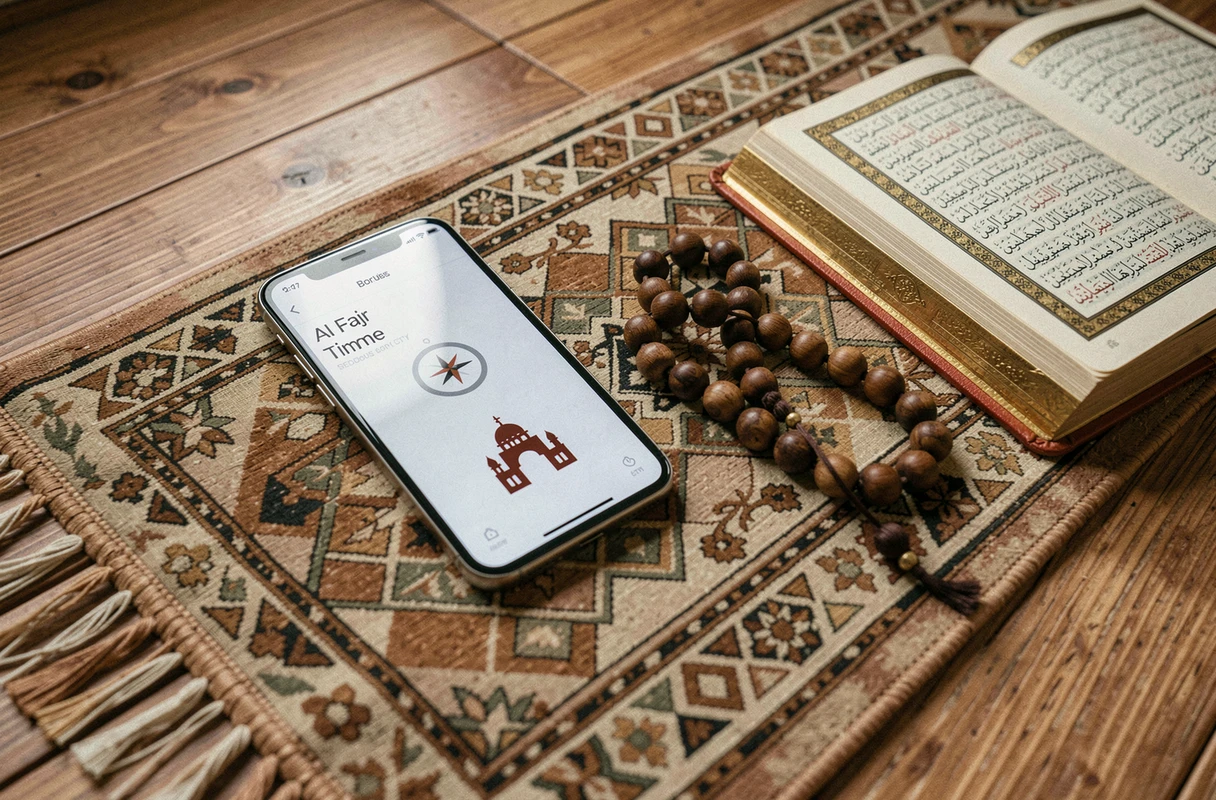
Hybrid approach: combine application and mosque calendar
No application completely replaces the calendar published by a mosque. Mosques sometimes adjust their iqama times during the month, especially during Ramadan or when the time changes. A synchronized application like Mawaqit follows these adjustments, but a generic prayer directory does not.
The most reliable method is to use an application for the daily alarm and to periodically check the mosque’s calendar (displayed on-site, on its website, or via its social media). This cross-checking takes a few seconds and eliminates the risk of praying outside the prescribed time.
For Fajr specifically, the acceptable margin of error is reduced: the time between dawn and sunrise is the shortest window of the day. In Bordeaux in summer, this window narrows even further. A five-minute difference between two sources can therefore have a real impact on the validity of the prayer if you pray at the limits of time.
Choosing between Muslim Pro, Mawaqit, or IslamicFinder is not a question of the overall quality of the application, but of matching the time source with your place of prayer. The simplest reflection remains to compare once the time of your application with that displayed at the nearest mosque, and then adjust the settings accordingly.